Describe your idea
Start with the object, its shape and the details that matter. A focused description gives a 3D model a clearer starting point.
AI modeling, made for makers
An idea in words. A shape you can hold.
We’re building a simpler way to turn a text description into a 3D model, with STL export for your next print.
The generator is in development. Model generation and downloads are not available yet.
From a description to a dimension
A small desk sculpture. A creature for your tabletop. An object you can’t quite find. Text to STL is being designed to help you explore those ideas in 3D, starting with ordinary words.
The focus is AI modeling from natural language: describe an object’s shape, style and details, then work toward an STL file. This is different from extruding a word or a name into raised 3D letters.
Start with the object, its shape and the details that matter. A focused description gives a 3D model a clearer starting point.
Our aim is to let you inspect a generated shape and refine your idea before choosing what to export.
STL export is planned for the printing workflow. Scale, wall thickness, orientation and supports still need a check in your slicer.
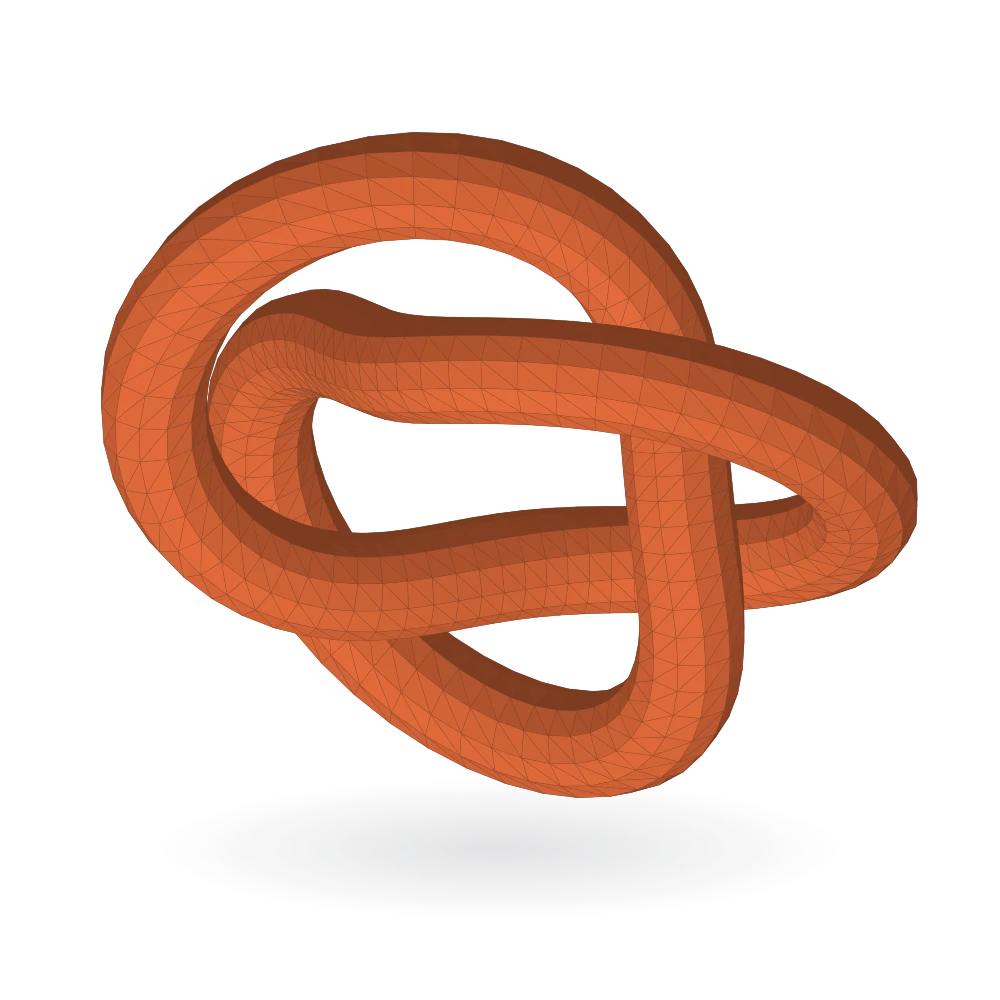
An STL file describes the surface of a 3D object as a mesh of triangles. It stores geometry rather than color or materials, making it a familiar format in 3D printing workflows.
A valid file is only part of a successful print. Model geometry, printer settings and material all matter. We’re not promising that every AI-generated shape will be ready to print without adjustment.
Not yet. This is the coming soon page for texttostl.net. The generator, accounts, payments and STL downloads are not open.
A release date has not been announced. We’ll update this page when there is a working product to try.
Here, text means a natural-language description of an object. We’re developing an AI text-to-3D workflow with STL export, rather than a font or lettering extrusion tool.
STL is commonly accepted by slicers such as Bambu Studio, Cura and PrusaSlicer. You still need to inspect the model, set its dimensions and prepare the print for your printer and material. This site does not offer exports yet.