
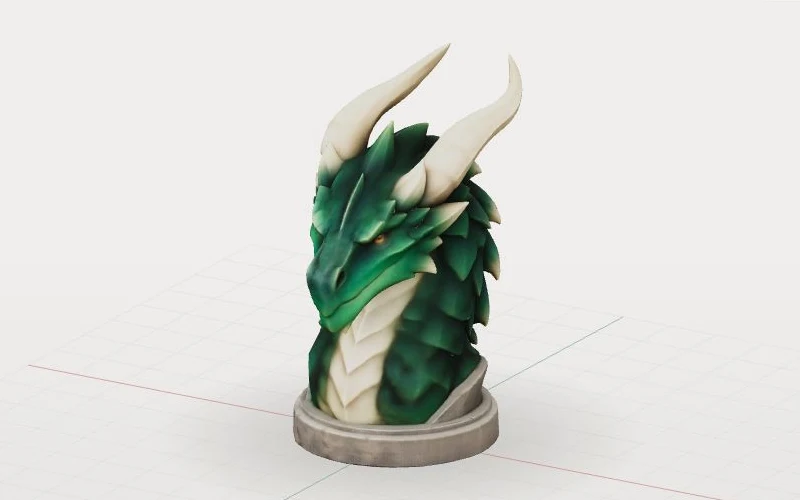
GLB: a 3D scene file
GLB is a binary container for glTF. It can hold 3D geometry, materials, textures and animation for displaying a model.
Convert GLB to STL online for free. Preview and compare the model in your browser, then download an STL for 3D printing.
Choose your GLB model
Free & private
Model preview
Sample model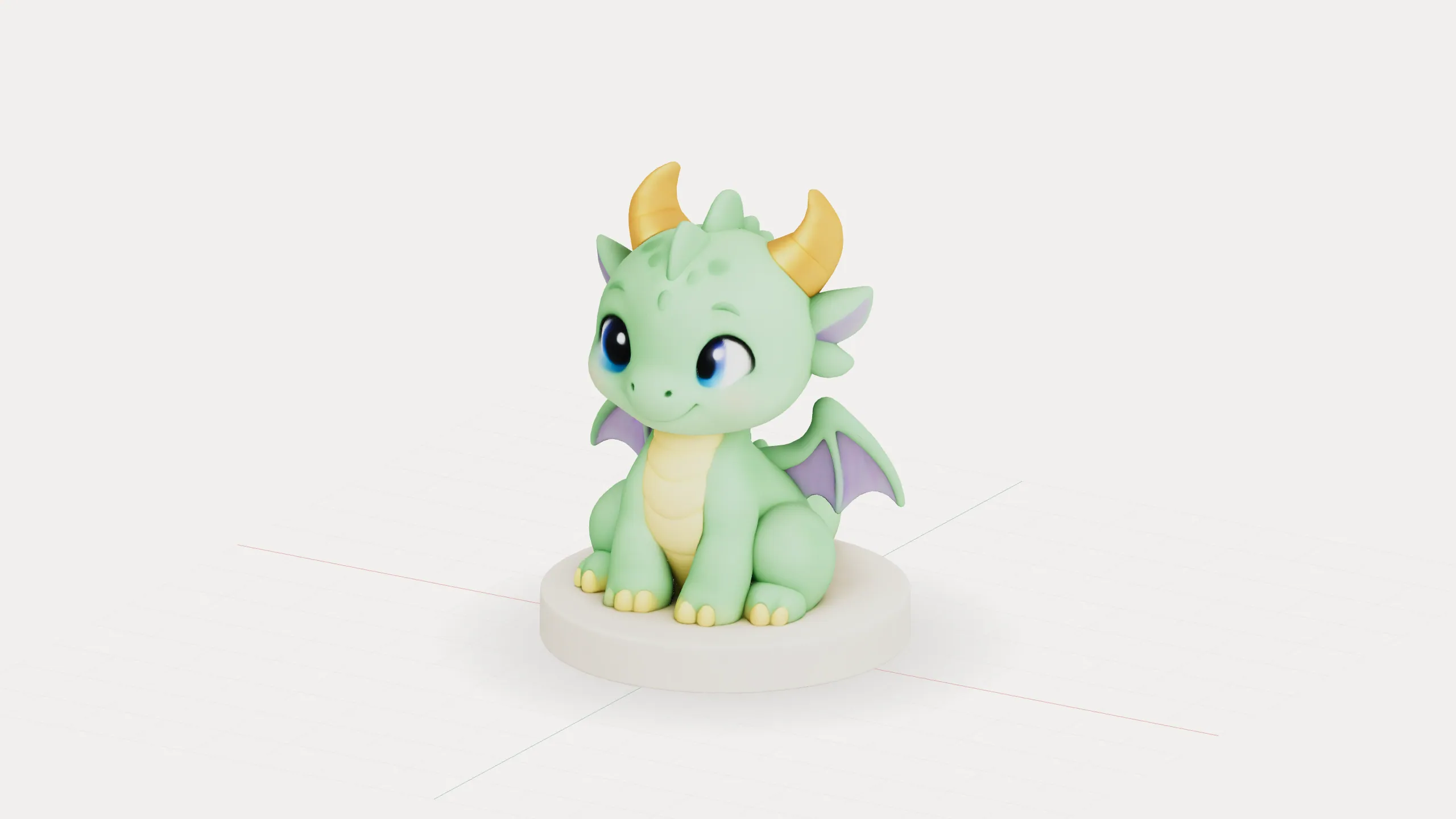
Geometry only. Check scale and orientation in your slicer.
How it works
Select or drop a self-contained, static GLB file up to 50 MB.
Preview your GLB file in your browser and drag the divider to compare the original model with the converted STL geometry.
Download the STL and check its size and orientation in your slicer.
Supports self-contained static GLB files up to 50 MB and 100,000 triangles. Animation, skinning, external resources and required extensions are not supported.
Format comparison
GLB is a binary container for glTF. It can hold 3D geometry, materials, textures and animation for displaying a model.
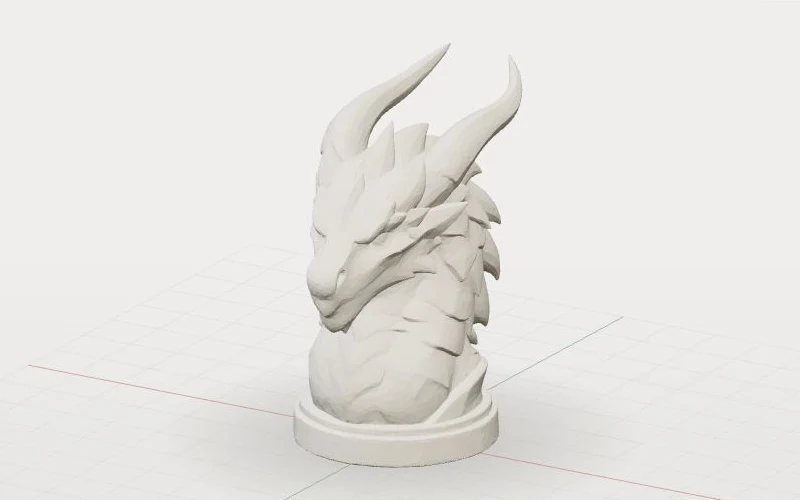
STL describes a model's surface as triangles. It is widely used with slicing software to prepare models for 3D printing.
Format comparison
A GLB can contain geometry, colors, materials and textures for displaying a 3D model.
STL stores the model's geometry without its materials or textures, for use in an STL-compatible slicer.
Details that exist only in a texture do not become raised or recessed geometry in the STL.
| Feature | GLB | STL |
|---|---|---|
| Geometry | Yes | Yes |
| Colors and textures | Can be included | Not in standard STL |
| Animation | Can be included | No |
| Units | Metres | Not specified |
Print preparation
Open the STL in your slicer and review the model before sending it to a printer.
STL does not specify units. Conversion does not automatically change units, so confirm the dimensions in your slicer.
Review the model's placement, overhangs and support requirements.
Look for thin walls, gaps and slicing issues. Conversion does not repair the mesh or guarantee printability.
Bambu Studio guide
See how to import, adjust and preview an STL before printing, using Bambu Studio as an example.
In Bambu Studio, choose File → Import → Import 3MF/STL/STEP/SVG/OBJ/AMF, then select the downloaded STL.
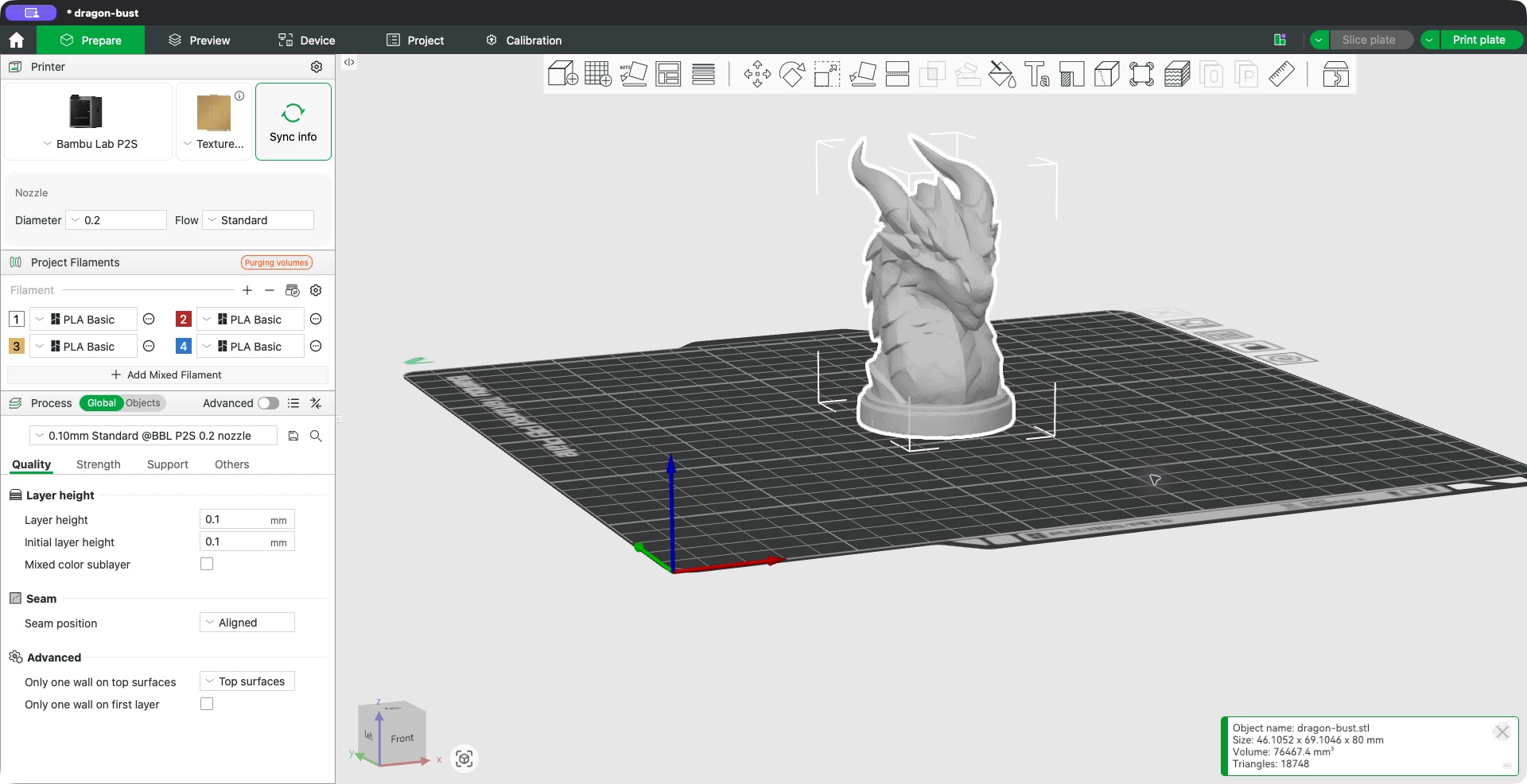
Select the model and use Scale to check its dimensions. In this example, uniform scaling changes the height from 80 mm to 70 mm.
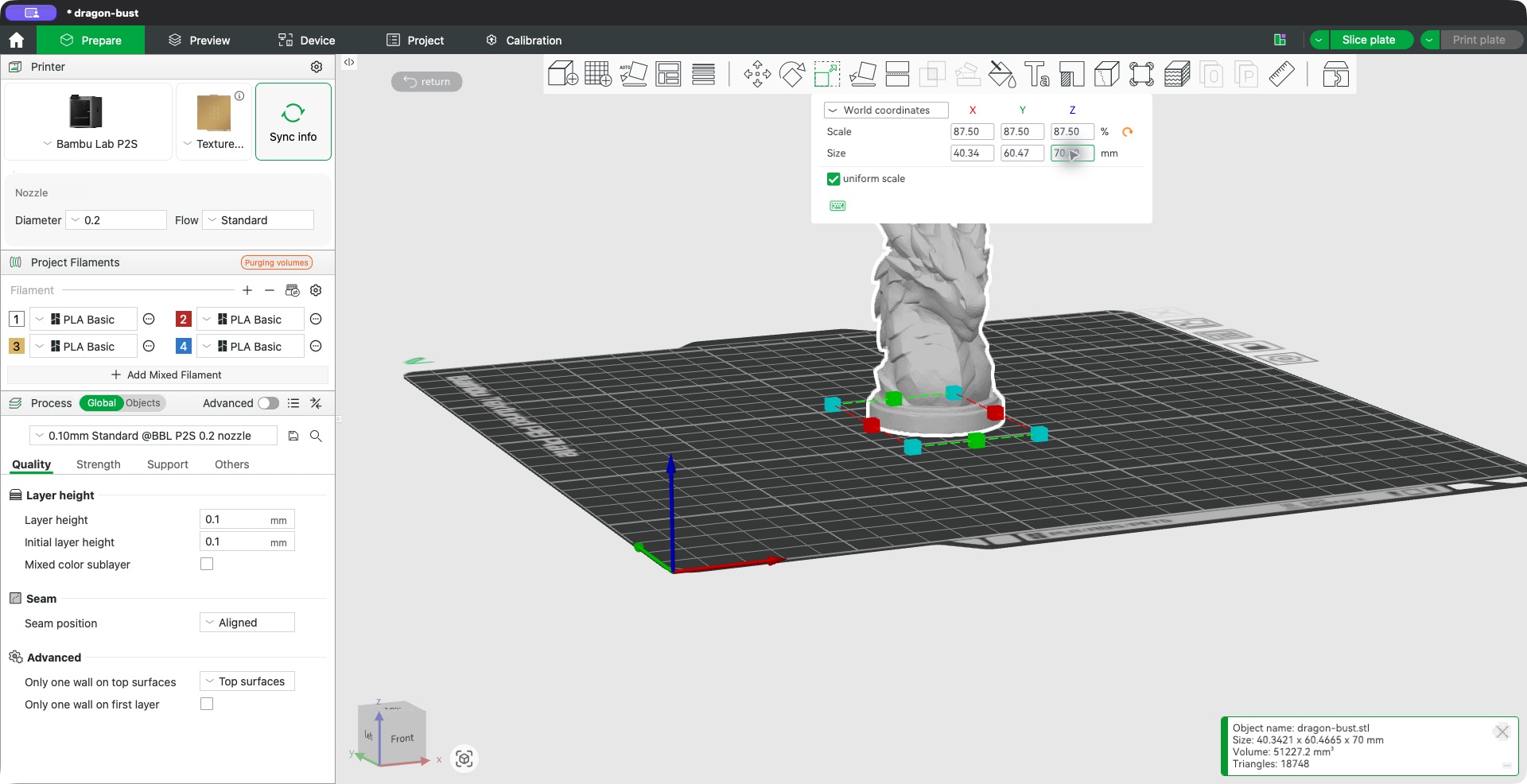
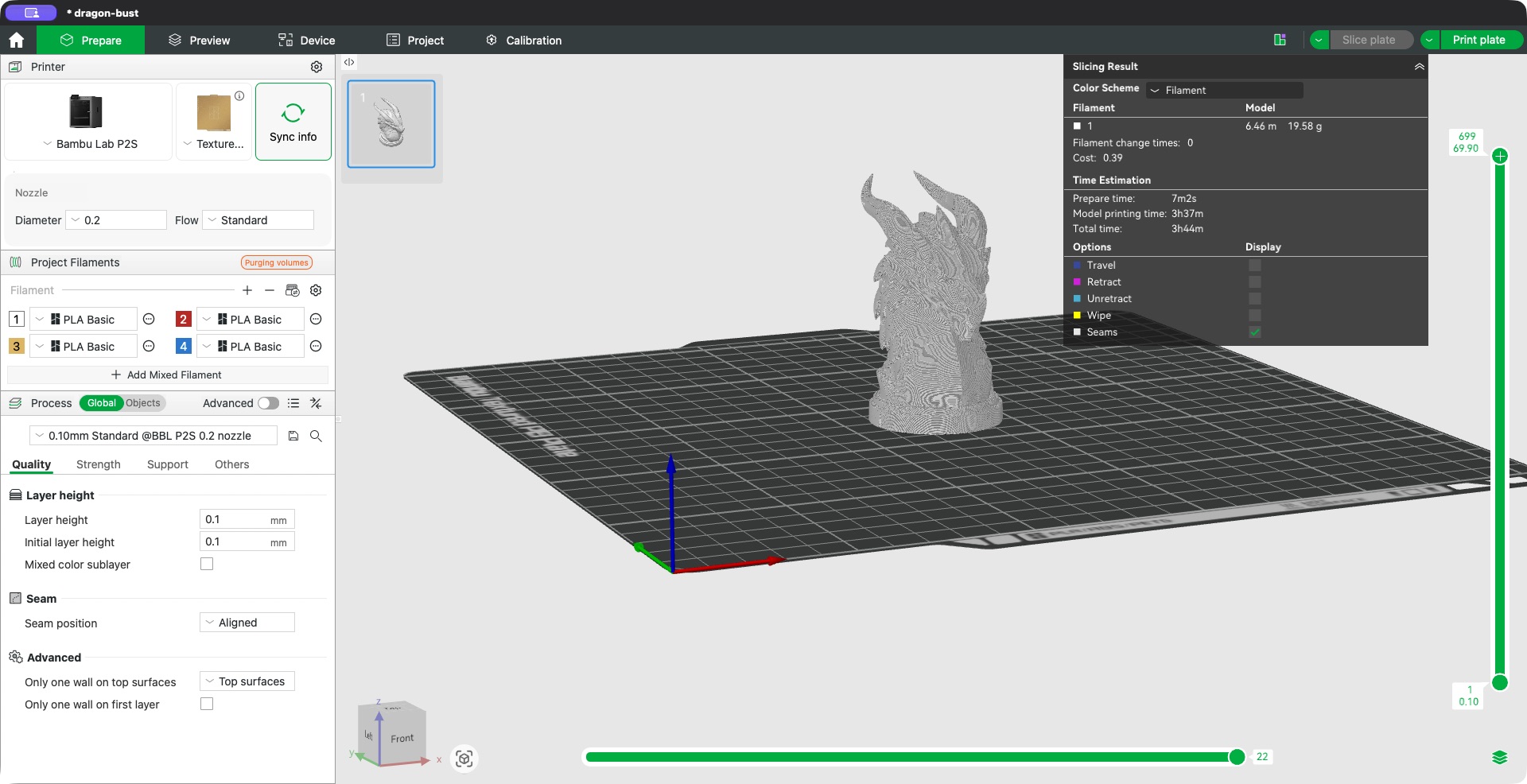
Example in Bambu Studio: review the slice preview and warnings. This model has floating regions; check its orientation and supports before printing.
Common questions
Yes. This GLB to STL file converter is free to use and does not require an account.
No. Your file is processed locally in your browser and is not uploaded to our server.
Standard STL stores geometry, not colors or textures. Surface details that exist only in a texture will not become physical geometry. Keep the original GLB if you need its materials or textures.
GLB coordinates use metres, while STL has no specified unit. This converter does not automatically convert metres to millimetres. Check and adjust the size and orientation in your slicer.
Use a self-contained static GLB file no larger than 50 MB and with at most 100,000 triangles. Files with external resources, animation, skinning or required extensions are not supported. Conversion does not repair the mesh; inspect the result in your slicer before printing.
More tools