
Checks reported
Open edges, edges shared by more than two faces, inconsistent edge directions, duplicate or zero-area faces and invalid coordinates. The report also flags changes in connected components and overall bounds.
Repair common mesh issues in your browser, then check the result before printing.
Automatic repair can change geometry and may leave intentional openings or complex defects untouched. Keep your original file.
Model preview
Sample model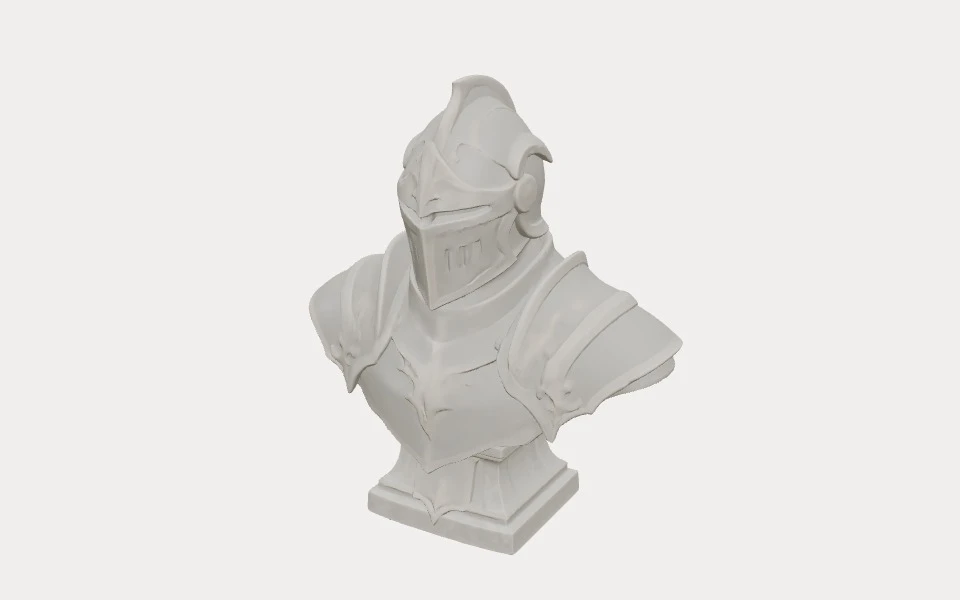
Review the result and check it in your slicer before printing.
How it works
Select an STL file from your device.
The tool analyzes the mesh and attempts to fix common topology problems.
Inspect the result and review it in your slicer before printing.
When to use
Try mesh repair when a slicer reports non-manifold geometry, an exported or scanned model has missing surfaces, or an edited model slices unexpectedly. These symptoms can have different causes, so inspect the result rather than assuming the repair solved them.
If a model looks complete but details disappear after slicing, a surface defect is one possible cause. A wall or detail can also be too thin for the chosen scale, nozzle and slicing settings. Inspect the layers and, if needed, change the model or settings; mesh repair does not add wall thickness.
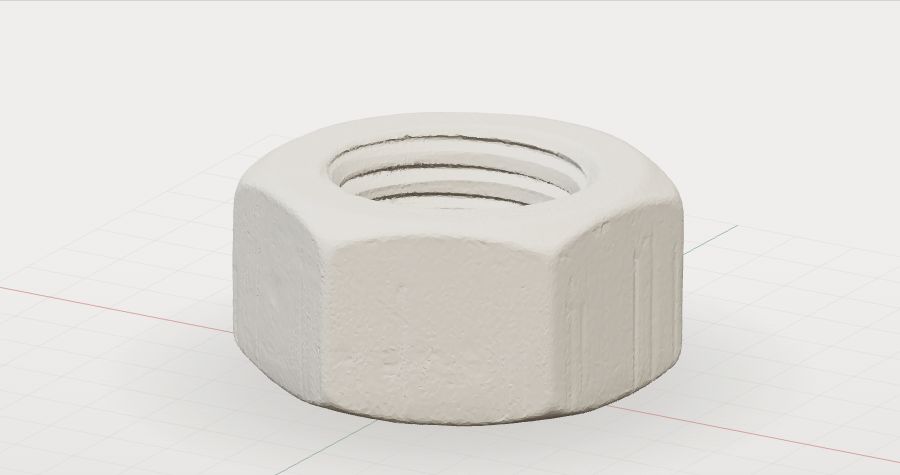
Repair capabilities
The tool checks the input and exported triangles independently of the repair engine. It attempts to repair detected issues, but a clean result is not guaranteed.
Open edges, edges shared by more than two faces, inconsistent edge directions, duplicate or zero-area faces and invalid coordinates. The report also flags changes in connected components and overall bounds.
The repair engine attempts to address eligible openings and other mesh defects. Some openings or complex defects can remain, and automatic changes can alter geometry.
Checks use exact shared coordinates. They do not test non-manifold vertices, whole-shell orientation, local shape changes, self-intersections, wall thickness, supports or print success.
Before you print
Keep the original file. Compare it with the output in a viewer or slicer before relying on the repair report.
Compare the silhouette and overall dimensions with the original; STL does not specify a unit.
Inspect designed openings, small details and separate parts from multiple angles. A repair cannot know the intended design.
Reopen the output in your slicer, review any warnings and inspect the layer preview for gaps, thin walls, missing features and supports.
Inspect the shape in the STL Viewer
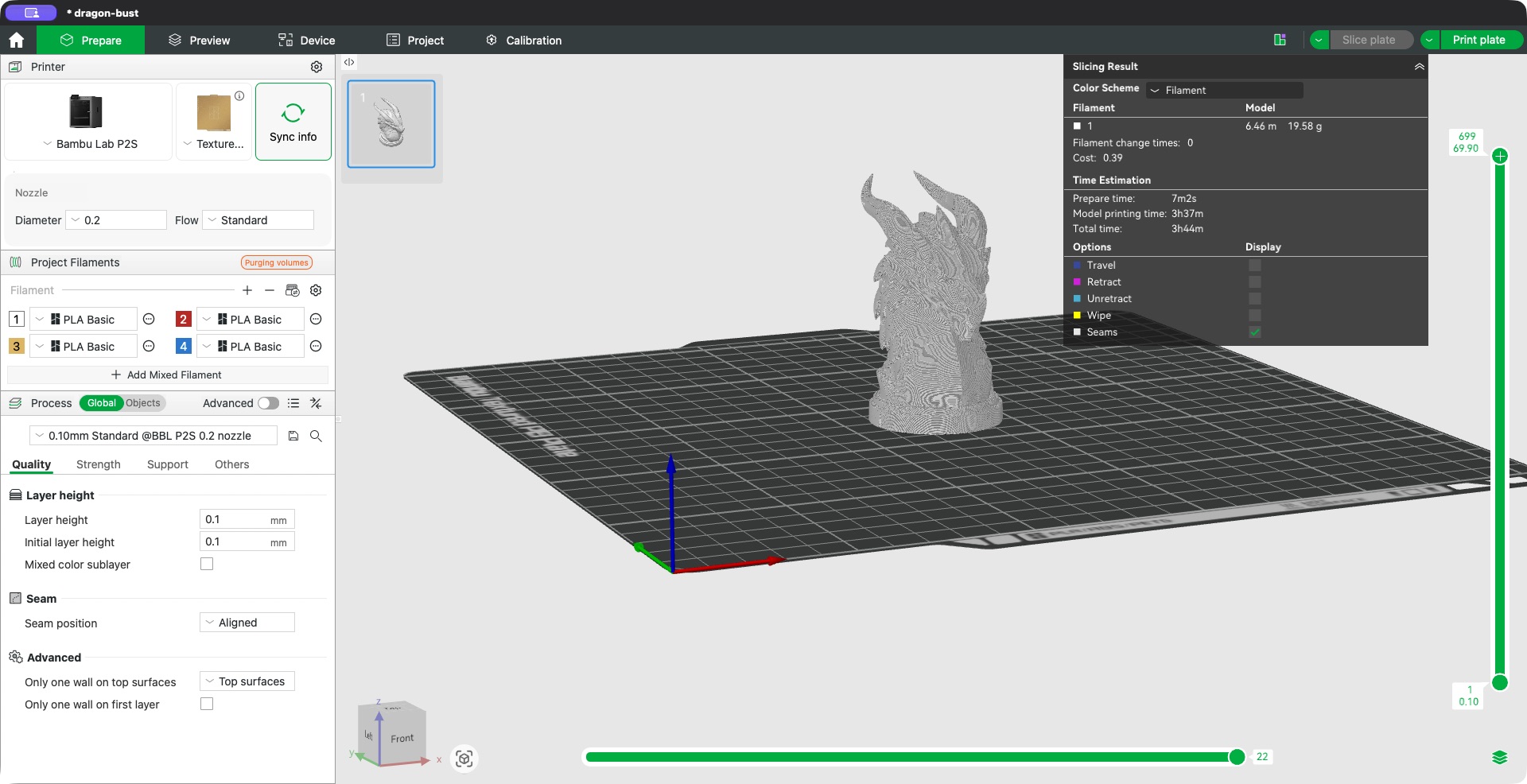
In a local test on November 10, 2026, a scanned nut went from 38 to 0 open edges, while four non-manifold edges remained and 21 faces were skipped by the repair engine on import. The center hole was visible in Bambu Studio 02.08.02.61 using a P2S preset, 0.2 mm nozzle and 0.10 mm layers. The preview was not a physical print; thread fit and print quality were not verified. One sample is not a success rate.
Next steps
If errors remain, check the report and slicer preview. Try your slicer’s repair or a mesh editor when local edits are needed; available repair features vary by platform and version.
If a designed hole, small feature or separate part changes, return to the original and edit or re-export the source model. A missing wall may require changes to the model, scale or slicing settings.
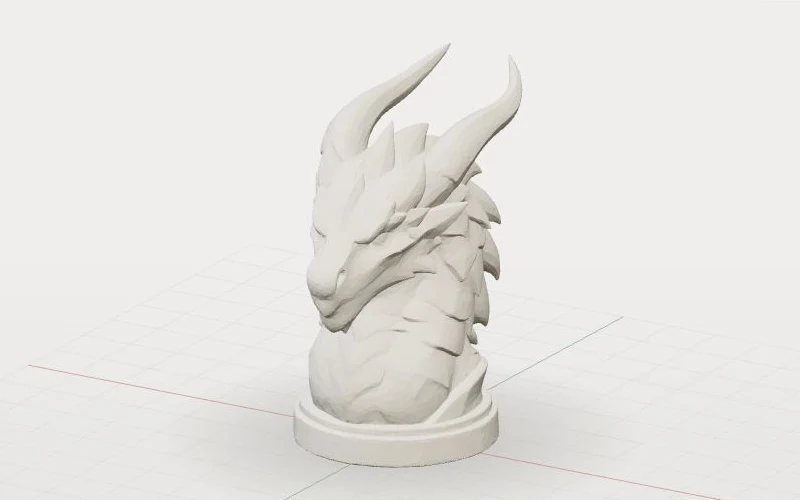
For a new decorative model, you can start again with text or an image. Inspect any generated model in your slicer before printing. Text to STL
Common questions
It describes mesh geometry that does not form a consistent solid boundary, such as an edge shared by more than two faces. Open edges can also cause slicing problems. The tool reports these edge counts and attempts repair when it detects issues.
Missing parts can come from damaged geometry, but they can also be too thin at the chosen scale or slicing settings. Check slicer warnings and layer previews, then repair the mesh or adjust the model and settings as appropriate.
Not always. Automatic repair cannot reliably distinguish every damaged opening from an intended feature. Compare the repaired file with the original and inspect important holes in your slicer.
No. The report covers specific mesh checks, not all geometry or printing conditions. Check the shape, scale, wall thickness, supports and sliced layers before printing.
Review the reported issues and compare the output with the original. Try repair in your slicer or use a mesh editor for manual changes; thin walls and design defects may require changes to the source model.
Files are processed locally in your browser, and the original file is not overwritten. Download the output separately. The tool is free without an account and accepts files up to 50 MB and 100,000 triangles.
More tools